Open a photo or scan
Choose one JPG, PNG or WebP up to 20 MB and 24 megapixels. The preview opens in your browser.
Start with a photo, screenshot or scanned document image. Select the mark you want removed and keep the rest of the page in view.
or choose one from your device
JPG, PNG or WebP · Up to 20 MBAI image cleanup is currently unavailable.
Local tools keep files on your device. AI requires separate consent.
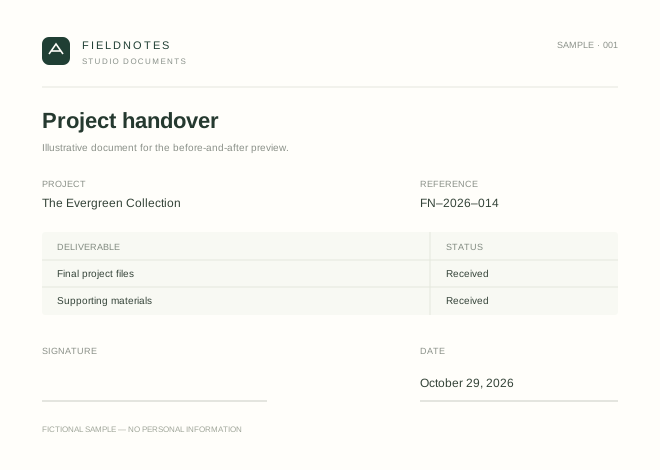
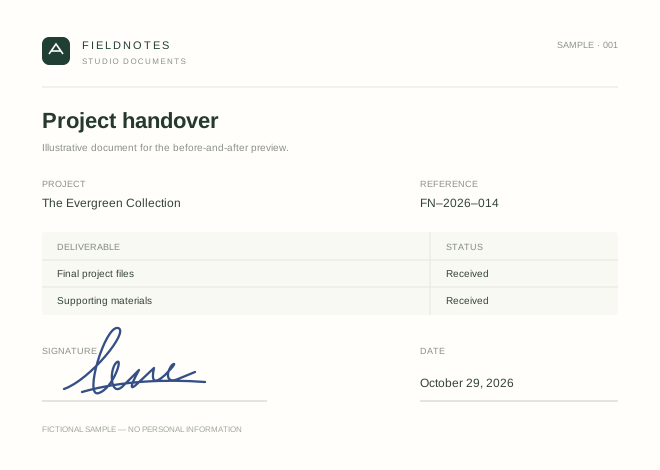
An image contains visible pixels, not a removable signing certificate. Signature cleanup aims to rebuild the selected region. Ink crossing printed text or a patterned surface is harder to restore; every result needs review.
Choose one JPG, PNG or WebP up to 20 MB and 24 megapixels. The preview opens in your browser.
Draw a box around the ink. Leave nearby printed text outside the box if possible.
Confirm AI processing, compare the result with the original and download the edited PNG.
Prepare an authorized blank template or clean up a personal document copy. Work with files you own or have permission to edit.
Explore the workspaceTwo different tasks. Choose signature cleanup for a clean page, or background removal for a reusable transparent signature.
A little clarity on signatures, files and what is available.
When image processing is available, you can try one successful edit without an account. Daily trial limits apply. After the trial, sign in to use your credits.
The tool replaces pixels only inside your box. Review the result where the signature crosses printed text, lines or a textured background.
Upload one JPG, PNG or WebP image up to 20 MB and 24 megapixels. The edited copy downloads as a PNG at the original image dimensions.
Return to this page in the same browser, or open History in the same App installation. Trial results are available for up to seven days.